
Blog
Ideas, insights, and things we’ve learned.
From platform tips to project reflections, this is where we share what’s working, what we’re curious about, and how we build better websites.

How to add a blog post to a Squarespace website
A business can spend hours writing a useful article, only for the draft to sit unpublished because no one knows which Squarespace settings to choose.

Understanding Google Search Console for Squarespace
The pages look right. The domain works. The contact form sends messages. Yet search traffic stays flat, an important service page never appears in Google, or the site ranks for terms that bring the wrong visitors. Without clear search data, every SEO change becomes a guess.

The Most Common Squarespace SEO Problems We Found
That is one of the most frustrating situations we see at Pocketknife. The business owner has paid for professional photos. The pages look clean. The services are clearly listed. The website works on a phone. Yet the site barely appears for the searches that matter.

The Squarespace Mistakes Businesses Make Before Launch
The logo is in place. The colors match the brand. The homepage has a polished hero image. Everyone on the team has clicked through the site and said, “Looks good.” Then launch day arrives, and the problems begin. A form sends leads to the wrong inbox. The mobile header covers the call-to-action. Old URLs return error pages.

List of Hidden Squarespace SEO Features
That is the part many business owners miss. They launch a clean website, add a few service pages, upload good photos, and wait for search traffic. Weeks pass. Then months pass. The site looks polished, but the leads are thin.

How to Fix Slow Loading Images on Squarespace
A beautiful Squarespace site should not make people wait. Strong photos can sell a product, show your brand, and make a service feel more real. But when those same images drag down your page speed, they start working against you.

The Squarespace AI Features We Use on Almost Every Project
The founder knows the offer. The team knows the customer. The products are ready. The photos are sitting in a folder. There may even be an old website with a few useful lines still hiding somewhere. But when it is time to build a clear, polished, useful site, everything slows down.

The Hidden Problems With Squarespace Websites We Find Out
That is the part many business owners miss. The homepage looks clean. The photos look polished. The template feels modern. The site is live, the domain is connected, and everything seems fine at first glance. Then the real problems begin.

Squarespace SEO Basics Every Business Owner Should Know
That is the part many business owners miss. A clean Squarespace site is a good start, but design alone does not bring search traffic. Google still needs to understand your pages. Visitors still need clear answers. Your content still needs to match what people search for.

How to Audit Your Squarespace Website Like a Pro?
A beautiful Squarespace website can still lose leads, traffic, and sales if the small things are not working. A slow homepage, weak page titles, unclear buttons, thin service pages, broken links, poor mobile spacing, and missing tracking can quietly hold the whole site back.
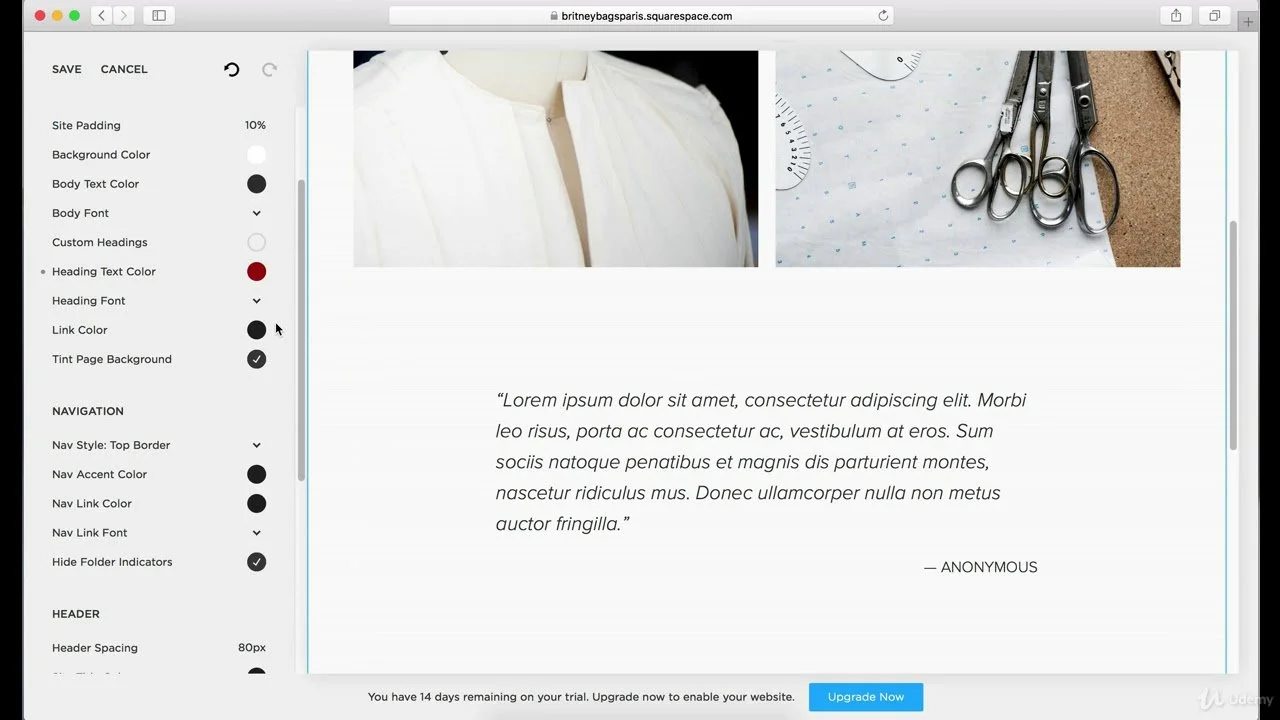
Visual hierarchy tips for effective Squarespace sites
A visitor does not read your Squarespace site from top to bottom like a book. They scan. They judge. They pause only when something feels useful, clear, or worth their time. If your page gives every heading, image, button, and paragraph equal weight, visitors feel lost before they even understand what you offer.
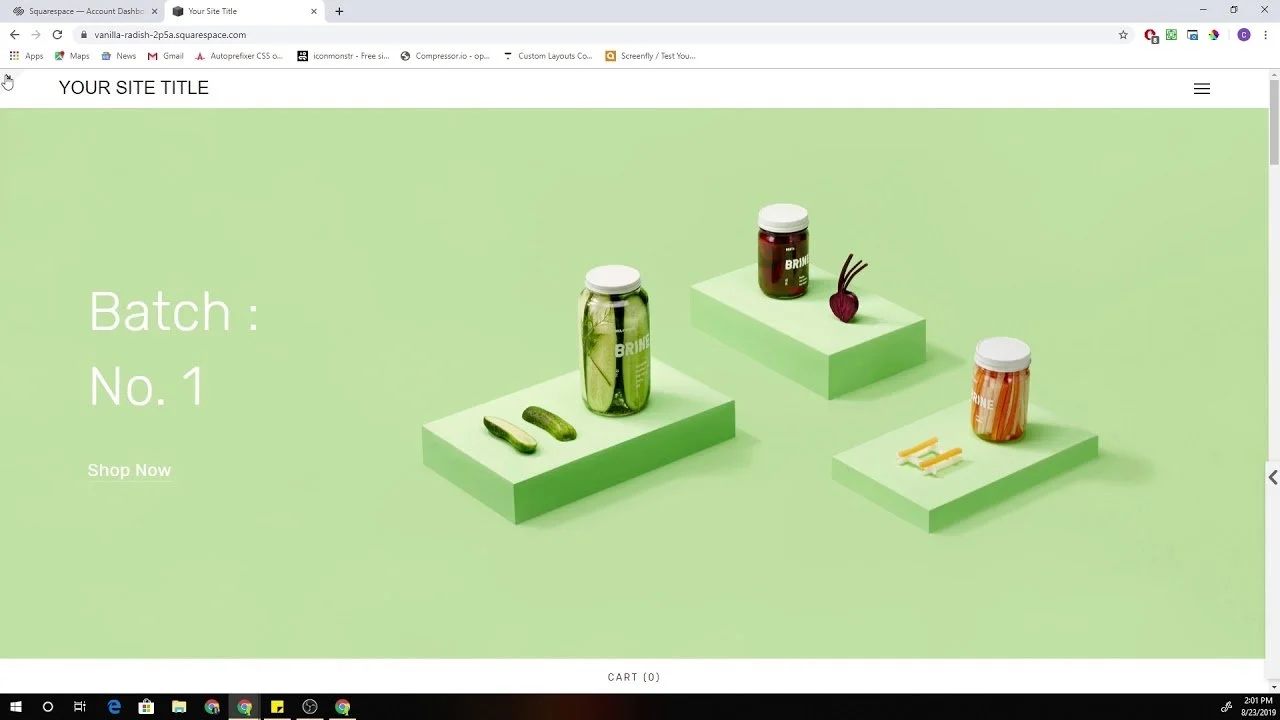
Simple UX Fixes That Instantly Improve Your Squarespace Site
A visitor does not need five minutes to judge your website. Most people decide much faster. They land on your Squarespace site, scan the first screen, tap the menu, check if the page feels easy, and decide whether to stay or leave. That decision often happens before they read your best copy, view your services, or reach your contact form.

What Most People Forget When Building a Squarespace Website
A Squarespace site can look finished long before it is actually ready. That is where a lot of business owners get stuck. They pick a clean template, upload a few photos, write some quick copy, and think the hard part is over. But when real visitors start landing on the site, problems show up fast. The message feels vague. The pages do not guide people anywhere.

How to Edit Navigation Menu in Squarespace?
A bad menu can make a good website feel confusing in seconds. People land on your homepage, look up, and decide right away whether your site feels clear or messy. That is why so many site owners start searching for How to edit navigation menu in Squarespace after launch, not before. They notice the header feels crowded, the footer is thin, the important pages are hard to find, or the menu looks fine on desktop but awkward on mobile.
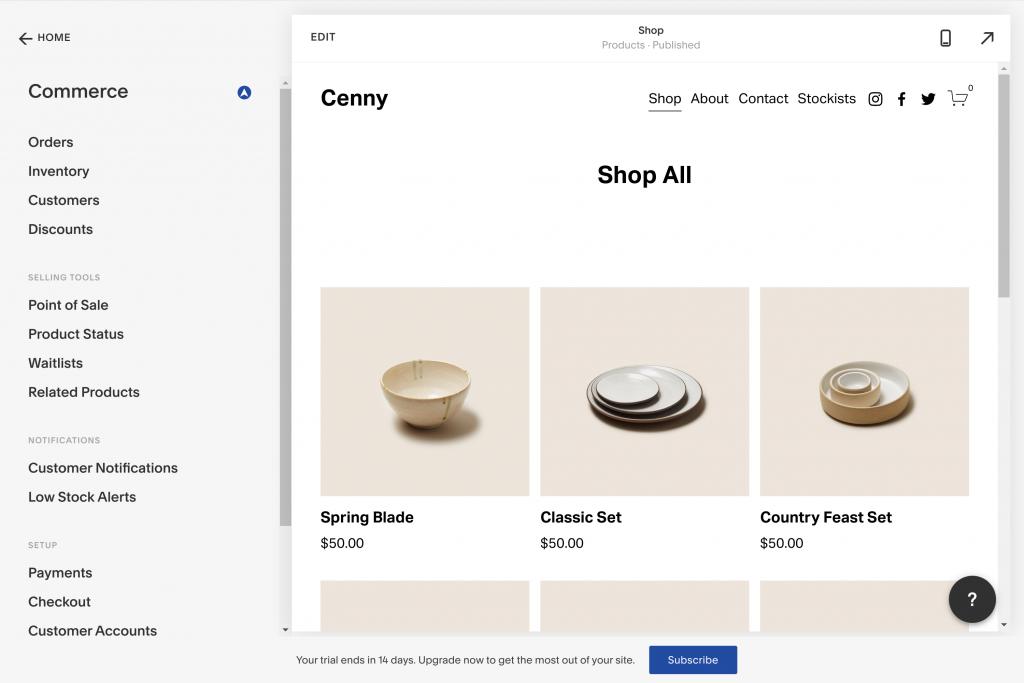
The Hidden Cost of a Poorly Structured Squarespace Website
A Squarespace site can look polished on the surface and still quietly drain money every single month. That is what makes a poorly structured Squarespace website so dangerous. It does not always fail in a loud way. It fails in slow, expensive ways. It brings in the wrong visitors. It confuses the right ones. It weakens trust, lowers conversions, hurts search visibility, and forces a business owner to keep fixing the same problems again and again.
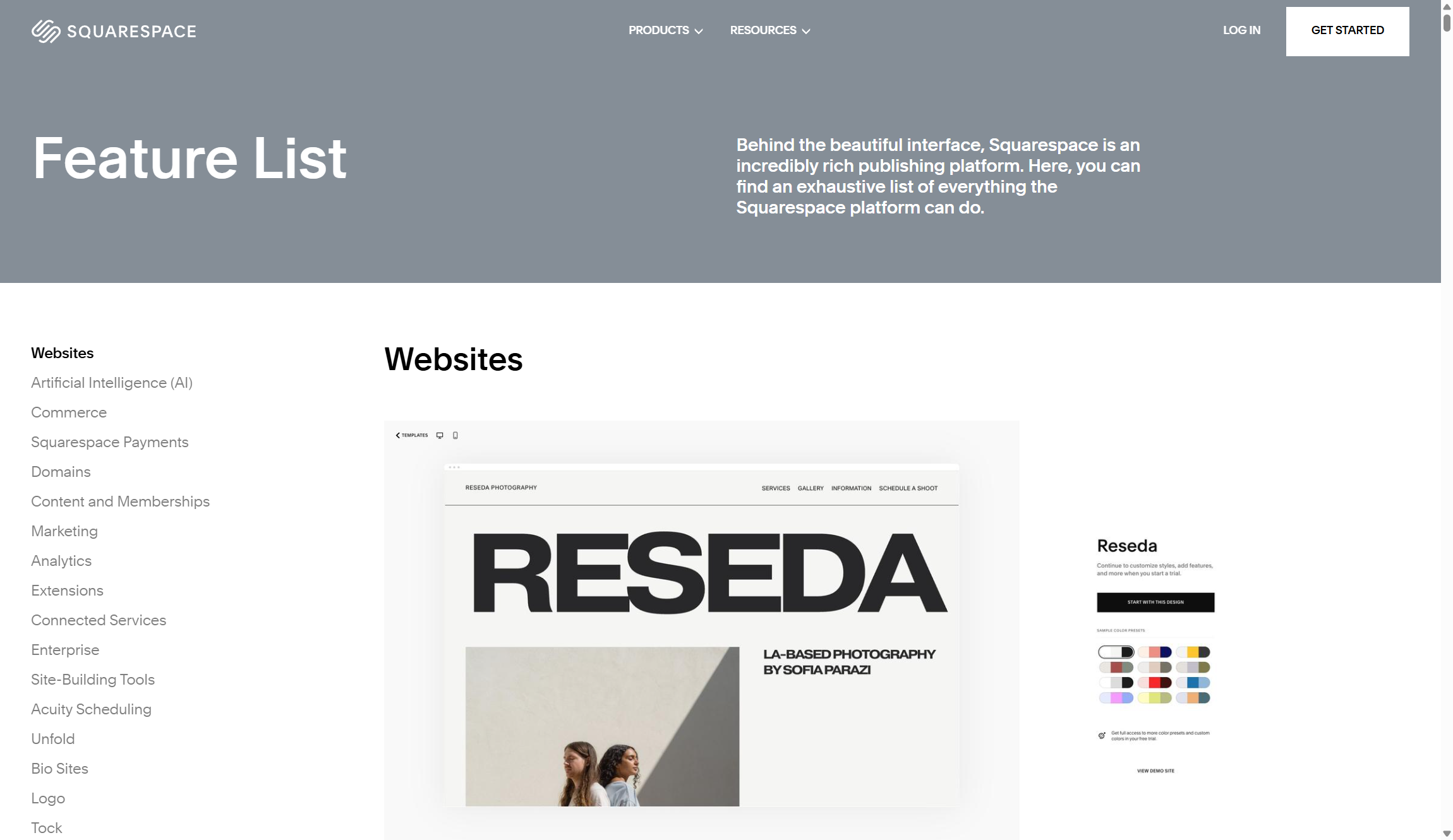
Before You Build: Squarespace Website Plans That Actually Works
The worst time to think about pricing is after the site is half built. That is when a plan that looks cheap starts costing more, a simple brochure site turns into a store, and a basic website suddenly needs paid content, lower fees, or better reporting. Squarespace website plans are not just billing options. They shape what you can sell, what you can charge through the site, and how much you may have to rebuild later.

How to Migrate Website to Squarespace Smoothly
One day your site is live, getting traffic, bringing in leads, and doing its job. The next day, pages are missing, forms stop working, rankings drop, and your team is stuck fixing details that should have been caught before launch. Most site moves do not fail because the new platform is bad. They failed because the move was rushed.

Squarespace Website Maintenance: What You Should Know
It slips. A broken button here. An old service there. A team photo from two years ago. A homepage that still talks about an offer you stopped selling months ago. None of it looks serious at first. Then leads slow down, trust drops, and people leave before they contact you.

How to Manage and Update Your Squarespace Website Easily?
That is how fast people judge online. They land on your homepage, scan your headline, notice your images, test your menu, and decide in seconds whether your business feels active or forgotten. A Squarespace site gives you a clean place to build that first impression, but keeping it fresh is where the real work starts.

The Importance of Squarespace Mobile Design
Most people do not meet your brand on a wide desktop screen anymore. They meet it while standing in line, sitting in a car, walking through a store, or checking a service during a short break. They scroll with one thumb.